Aesthetics & Themes
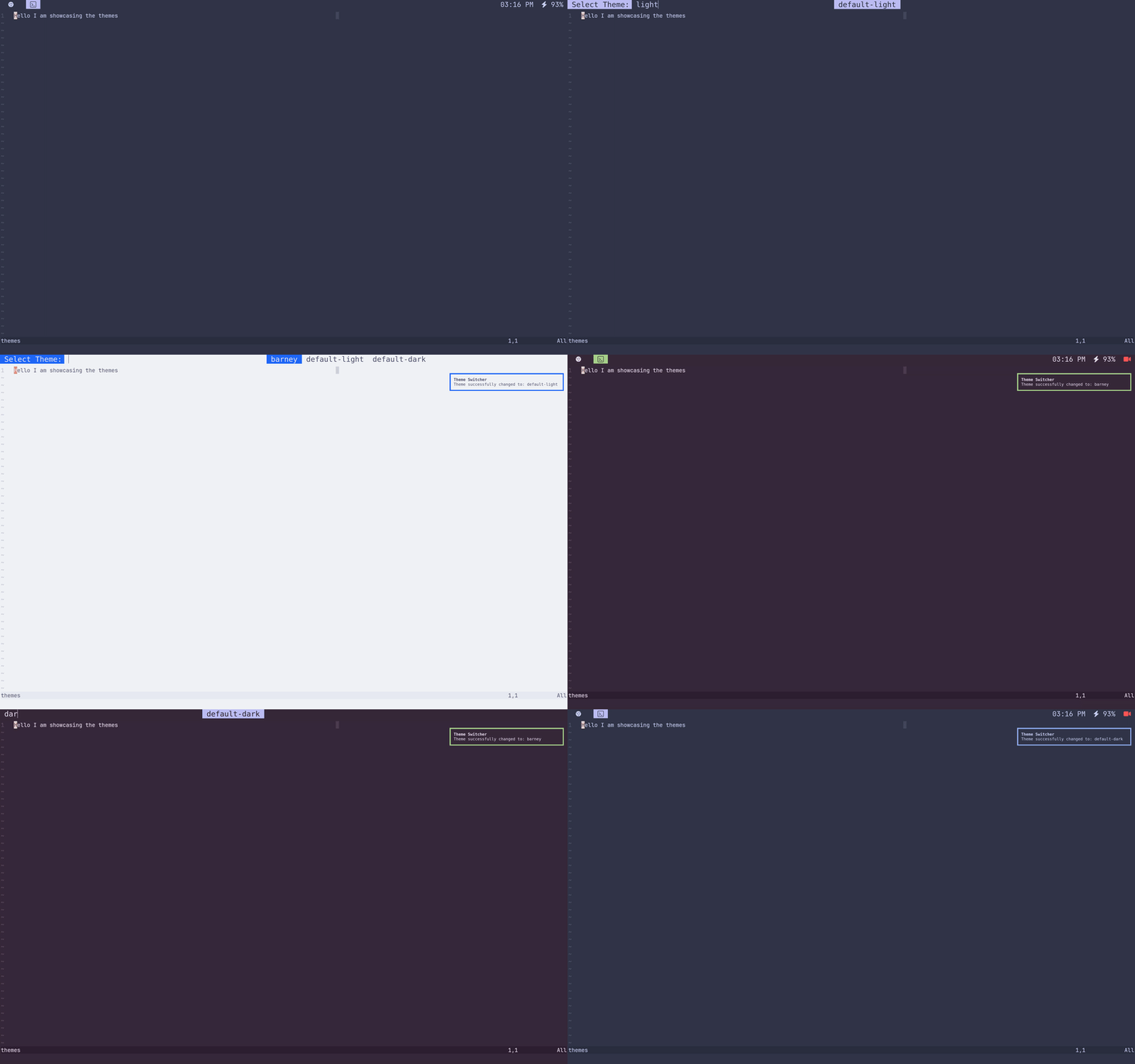
You can apply themes by launching the application launcher (super+space and runningtheme-select`. Out of the box, we have 3 themes:
- Default Dark: Catppuccin Frappé — The default theme when you install gc.
- Default Light: Catppuccin Latte — For people who like to burn their eyes.
- Barney: A theme based on your favorite dinosaur (the theme used on this website).
How to Make Your Own Theme
- Navigate to
~/.config/themes/. - Create a directory with the name of the theme you want to create.
- Look at how the
default-darktheme is implemented on GitHub. You can copy a theme and replace the color codes with your desired colors. You will make a theme for each file in the linked directory. You may also add a file of your own. Every file in this directory will be copied to~/.config/themes/current/. Therefore, in your program's config, you can point the theme to that directory. - Once you complete your theme, it will appear when you run
theme-select.